
✳ A CREATIVE PHOTO APP FOR IPHONE
Make something of your own.
MixMade is a photo collage and scrapbook app for iPhone. Start with a template, a photo or a blank canvas, then mix text and textured materials into something of your own.
Free to download · In-app purchases
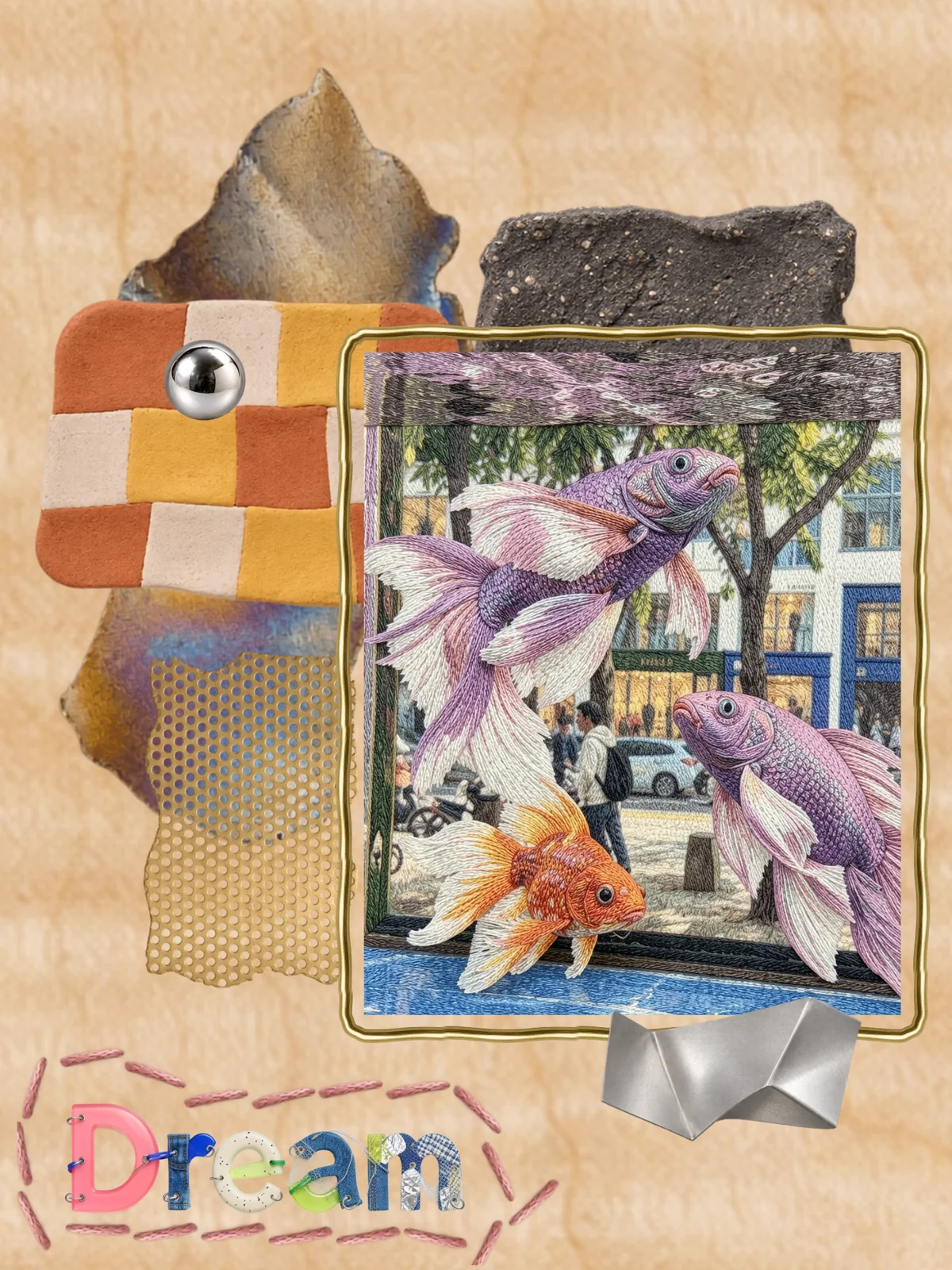
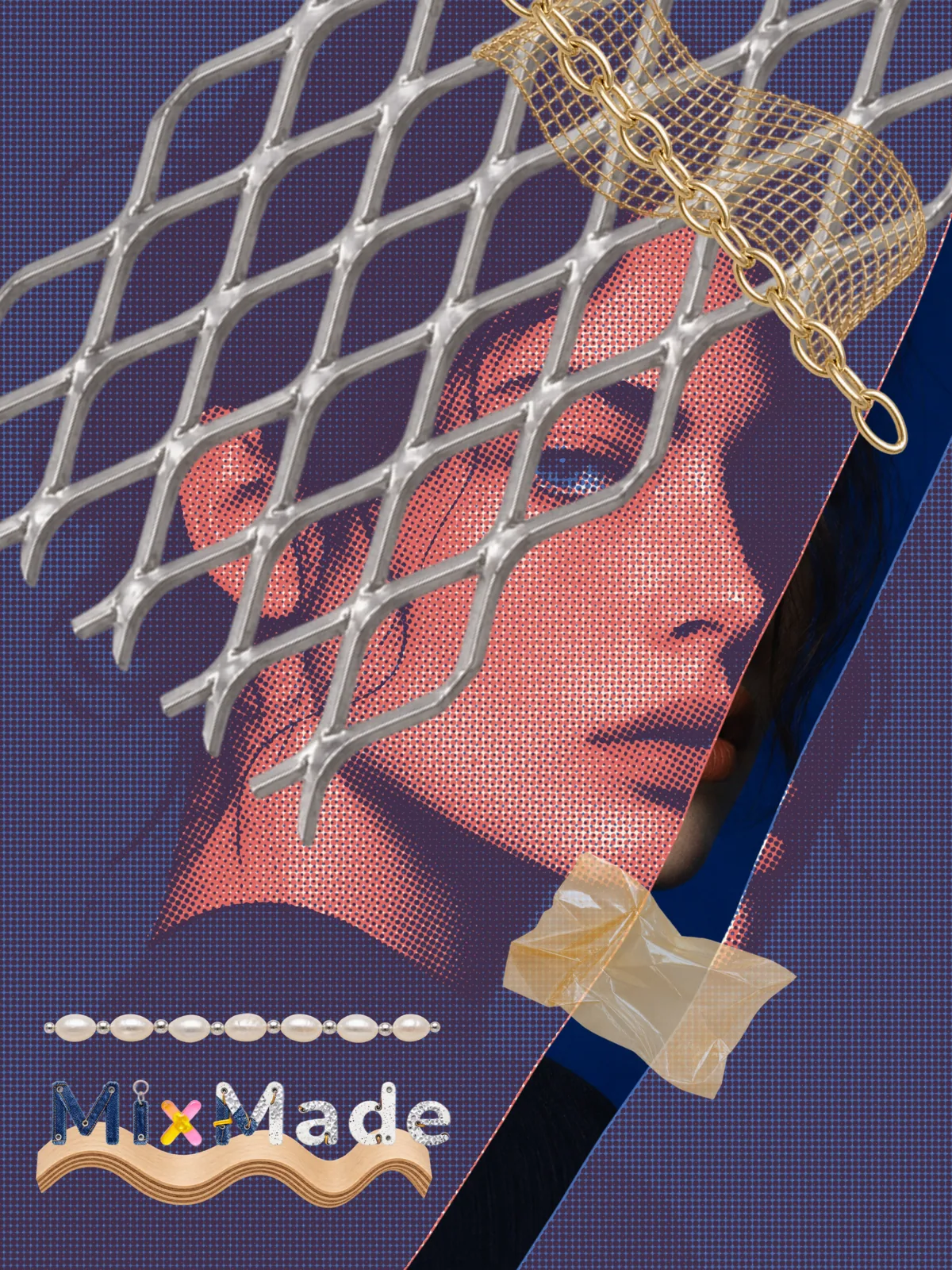
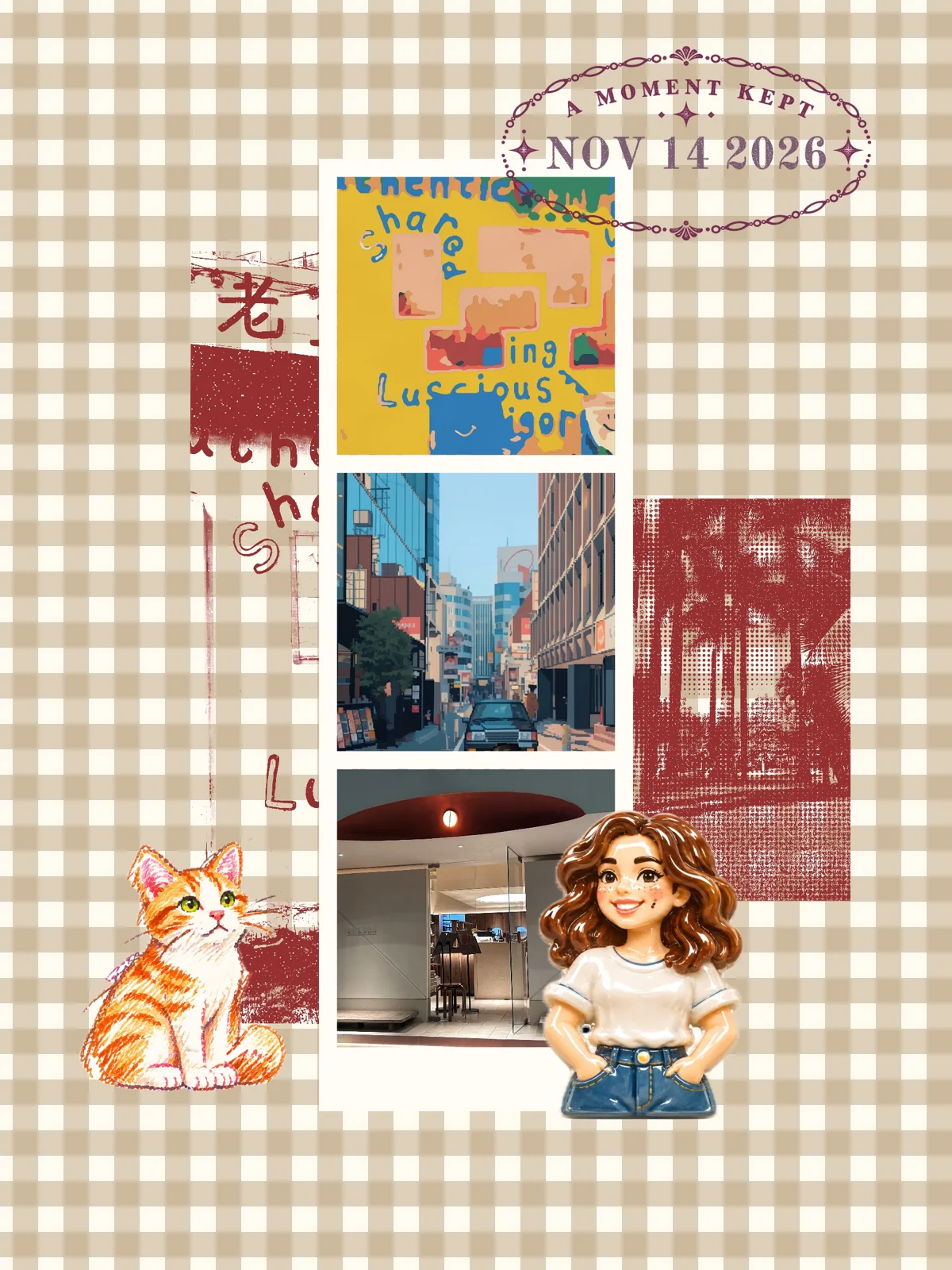
make a lot.
A PLACE TO BEGIN
Start with a style. Make it yours.
Start with a photo collage or scrapbook template. Replace the photos, change the details and make room for your own story.

Pick a template
Find a look you love, then swap in your photos and adjust the details.
Start with a photo
Try an effect, add a title or build a composition around a favorite moment.
Go your own way
Begin with a blank canvas and arrange everything as you like.
MORE TO MIX WITH
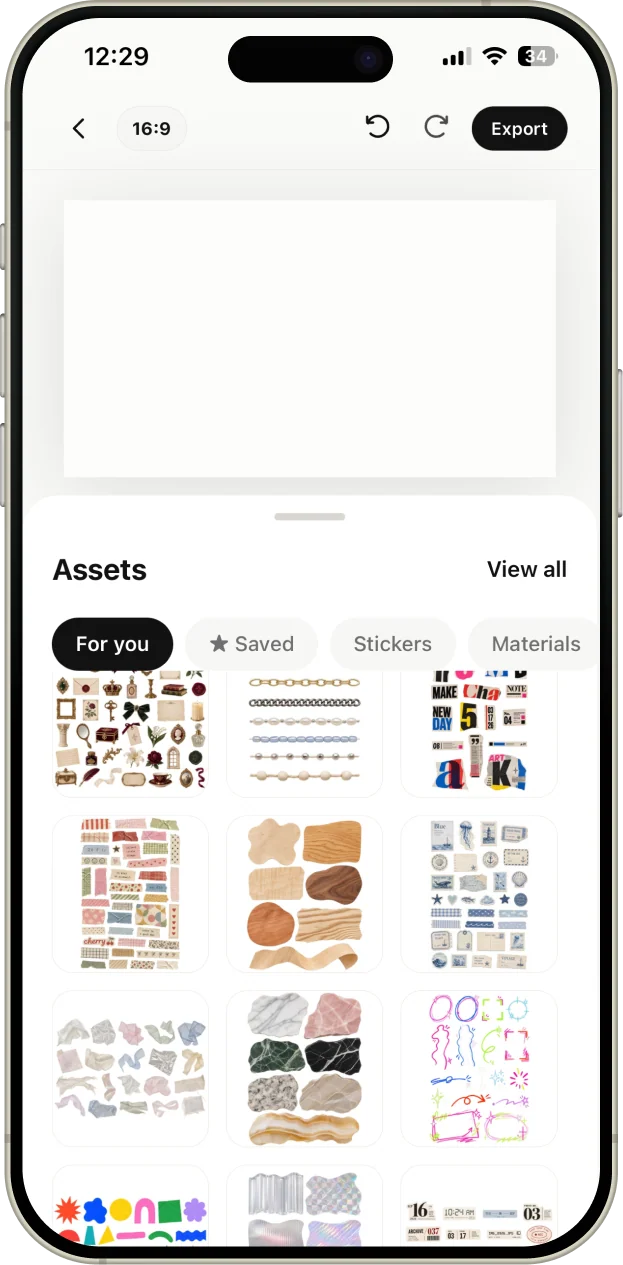
Materials with character.
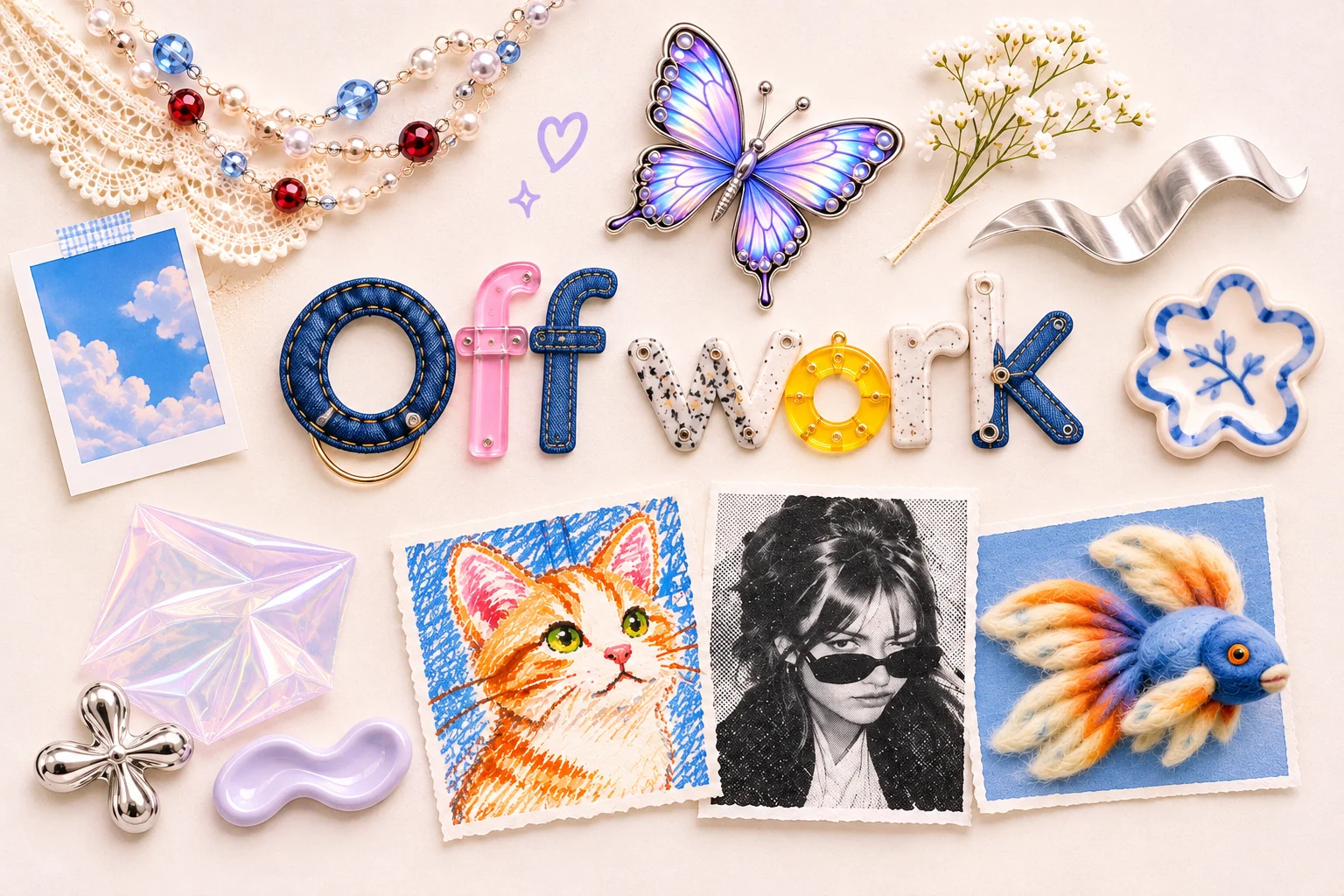
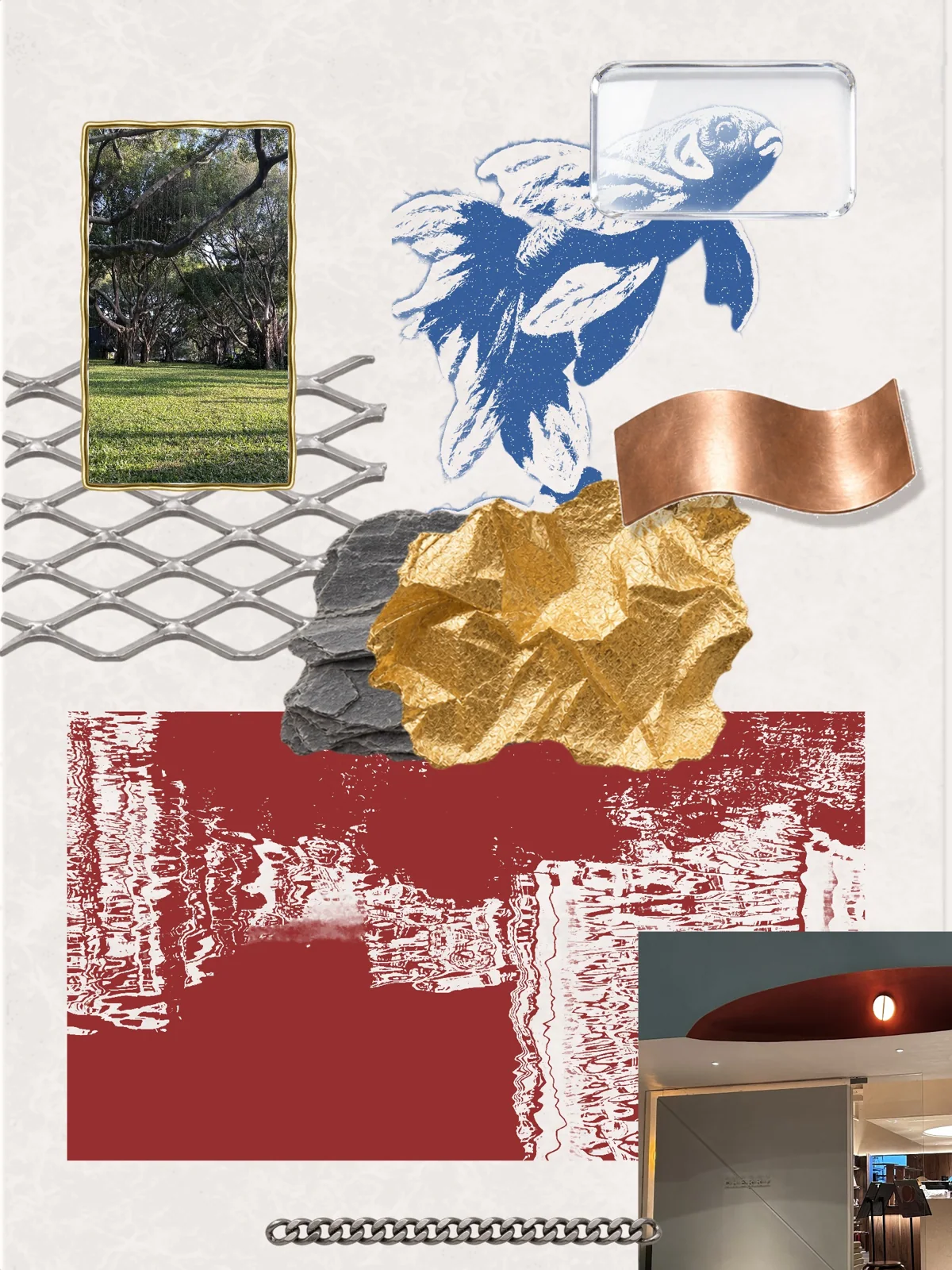
Build a textured photo collage with stickers, frames, tape and paper. Explore metal, transparent accents and other materials that add depth and personality.
ARRANGE IT YOUR WAY
A few details. A whole new feeling.
Mix photos, text, brushwork and materials without being locked to a fixed grid. Crop, layer and rearrange until everything falls into place.

Lettering with texture
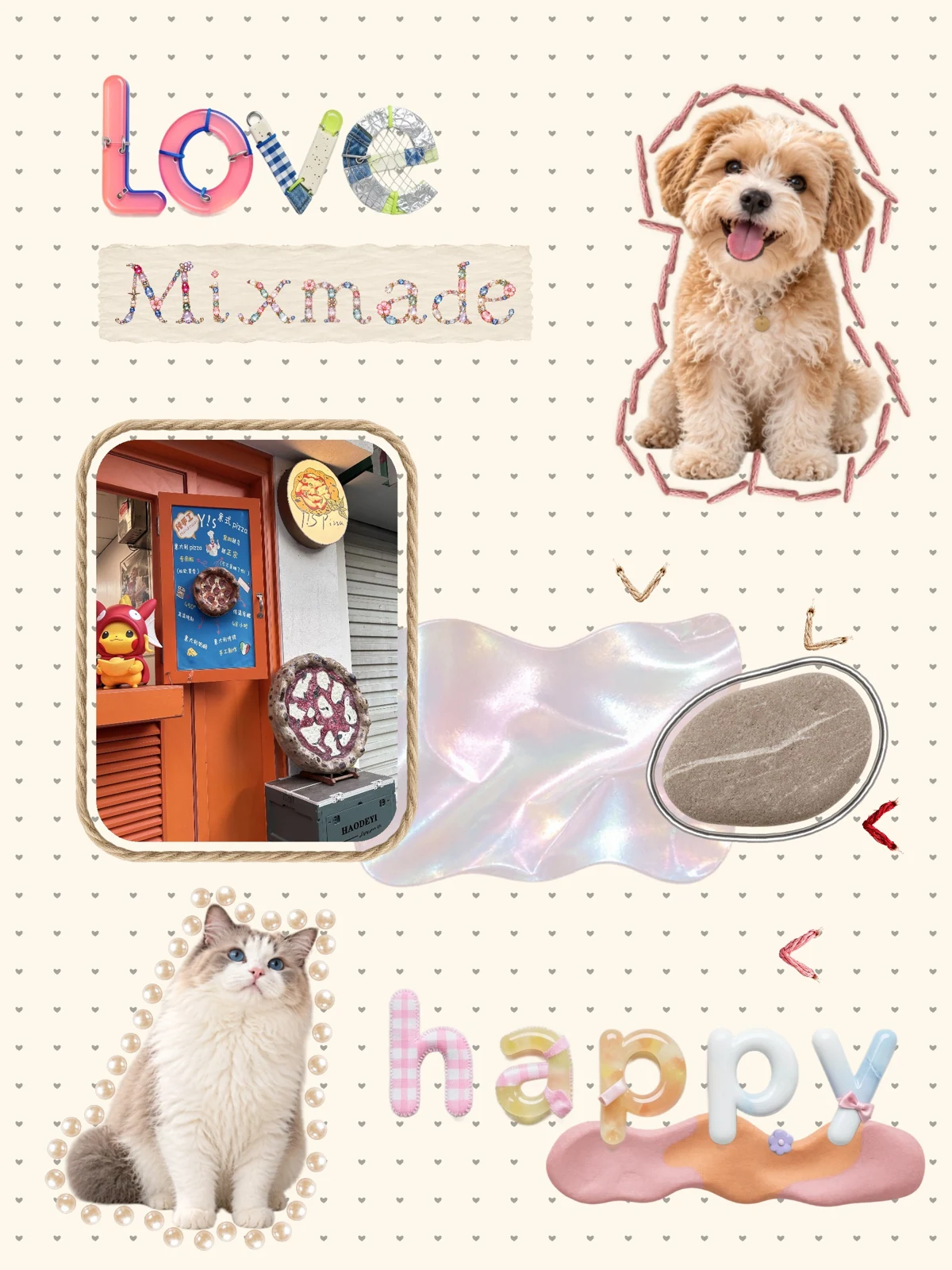
Give words a fabric or beaded look and make titles part of the picture.
Brushes & outlines
Add stitch-like strokes, metallic details and decorative edges.
Layers that move with you
Cut, resize and rearrange your elements to compose freely.
MAKE IT PERSONAL
Your photos, new possibilities.
Turn people, pets and favorite moments into materials you can use again.
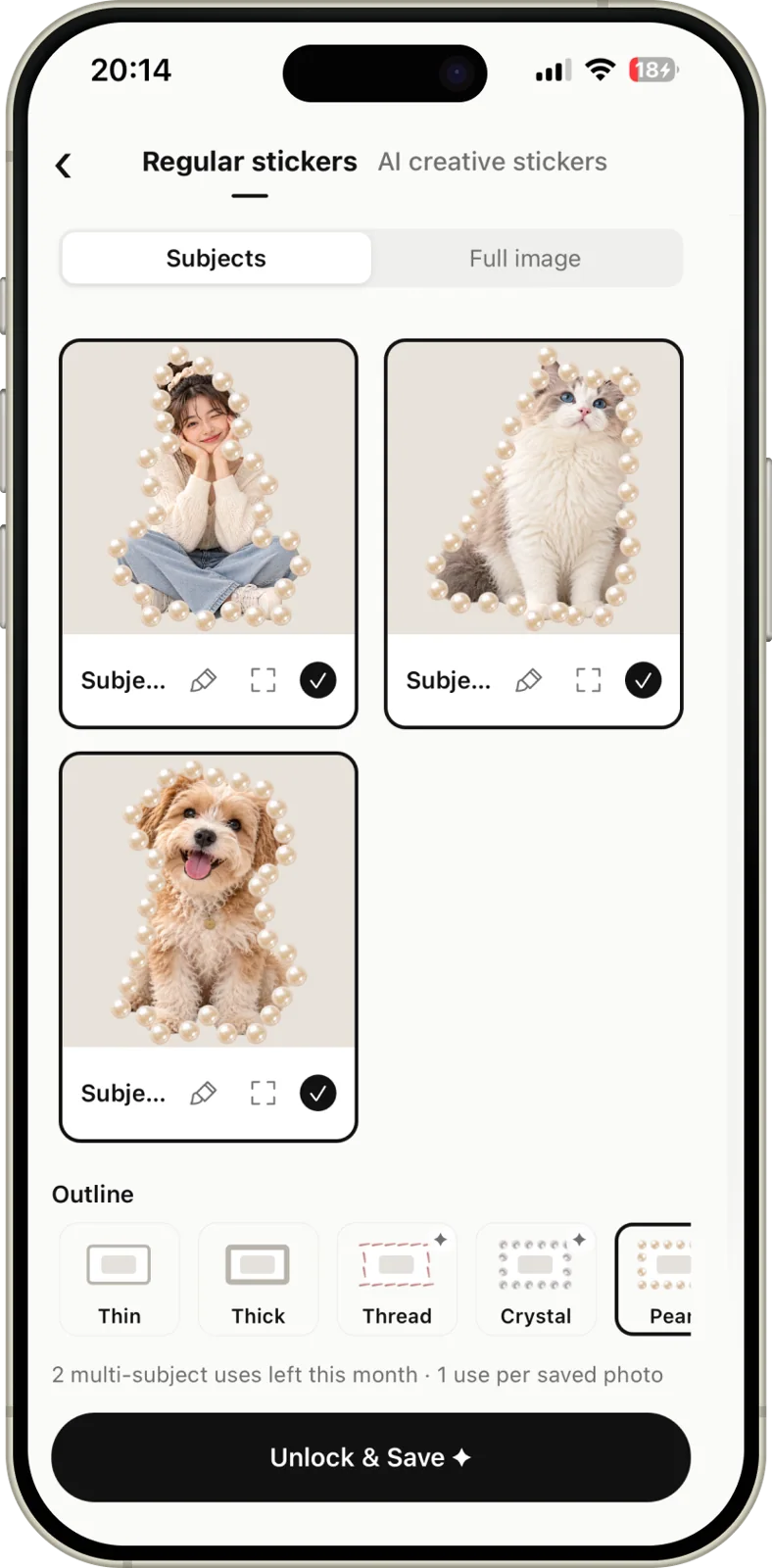
Cut out. Dress up. Save.
Make personal stickers from photo subjects and customize their outlines. Save individual layers or groups as image elements for your next creation.

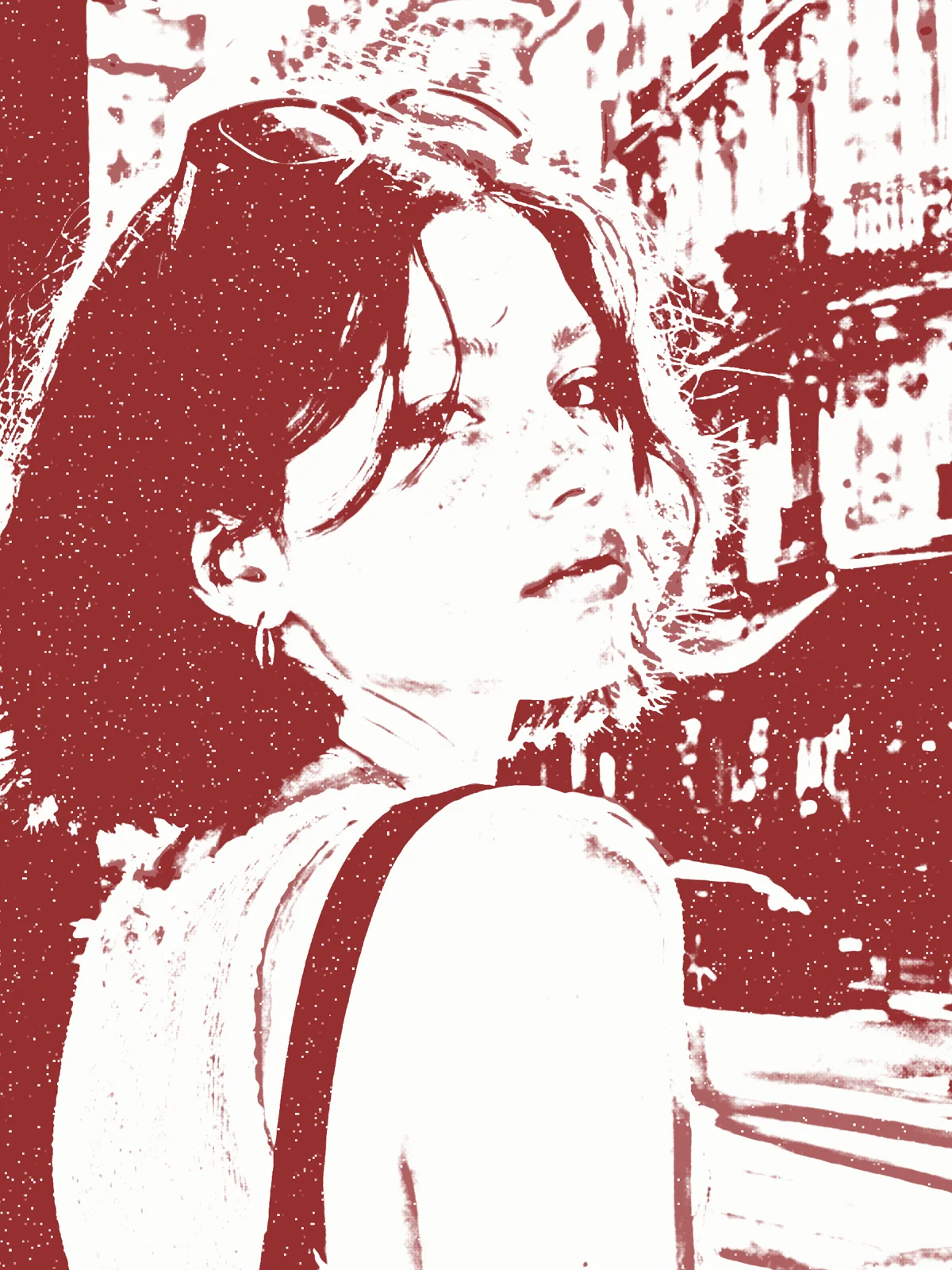
Make your own mark.
Turn a photo or cutout into a stamp with different ink colors and printed textures. Preview and adjust on your device; saving to My Stamps requires Premium.
Saved personal materials remain reusable after your subscription ends.
EXPLORE NEW WAYS TO CREATE
A fresh look for every idea.
Explore photo effects and AI tools, then bring the results back into your composition.
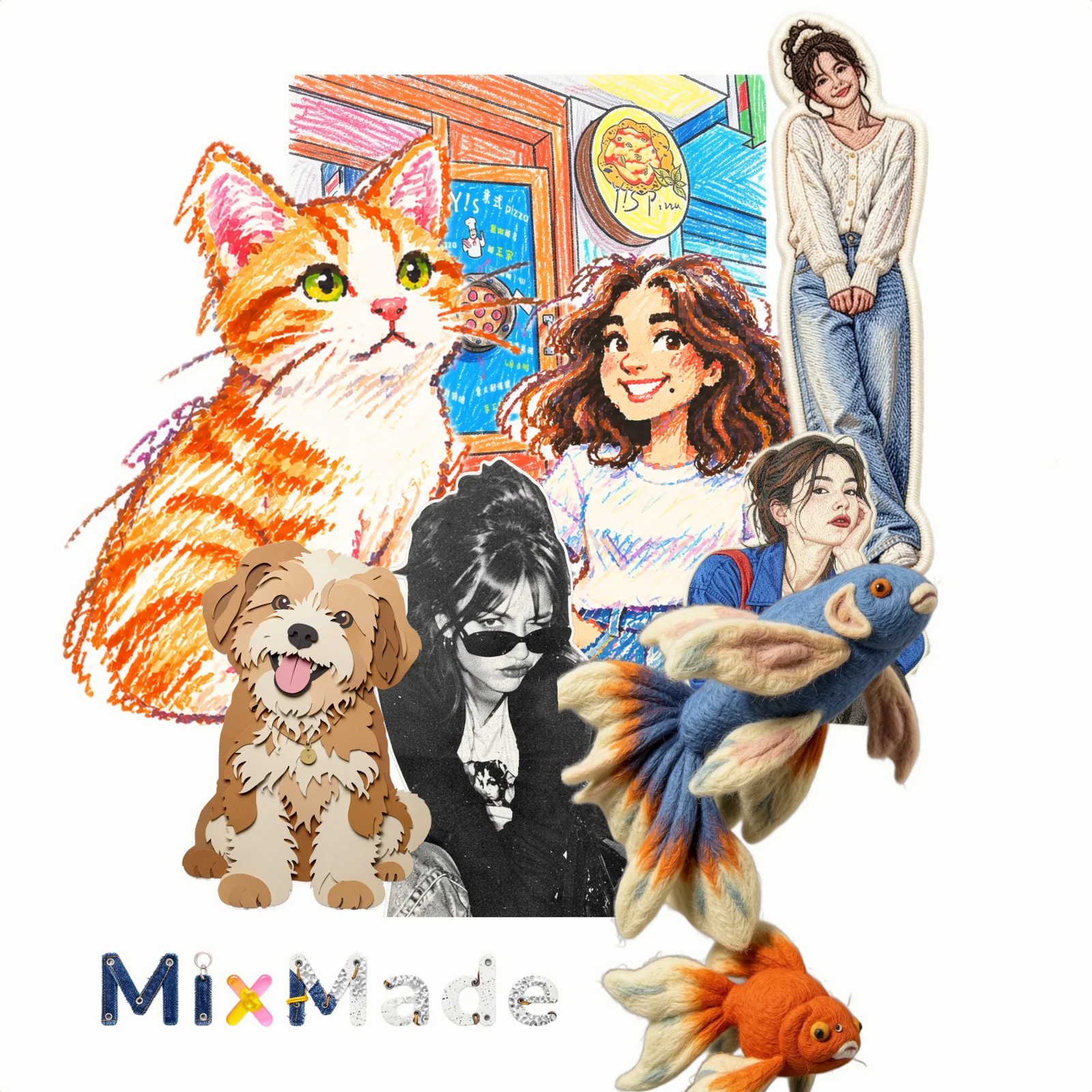
AI image styles
Try embroidery, dimensional paper art, ceramics, embossed metal and resin-inspired looks.
AI Text
Turn short text into image elements with different visual styles.
Creative torn paper
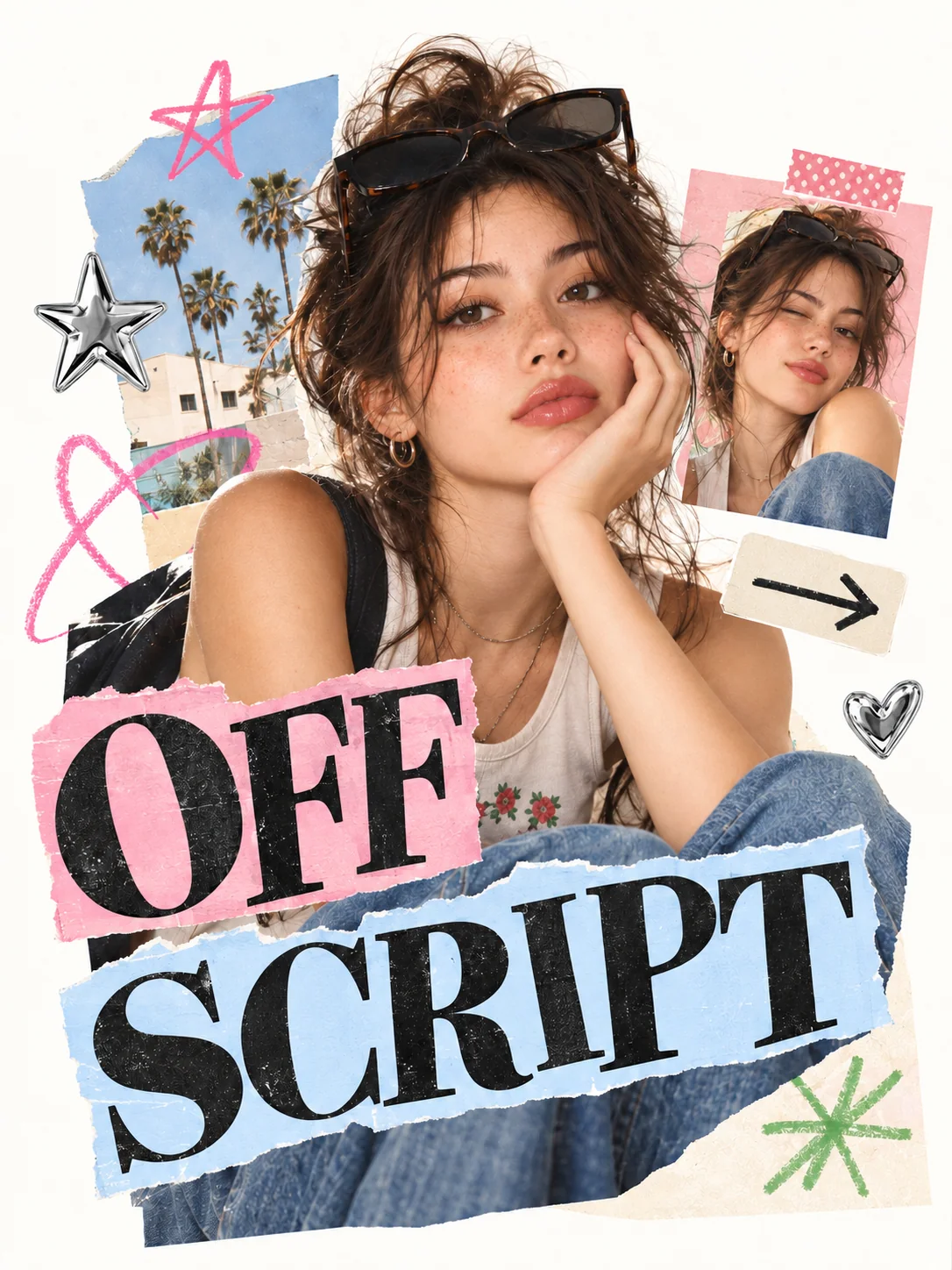
Give photos an expressive torn-paper treatment.
Cloud AI requires an internet connection and credits, and is available only to users aged 18 or older. The required credits are shown before generation.
A LITTLE INSPIRATION
All kinds of ideas, all yours.
Make a scrapbook page, a moodboard or a creative poster. Keep a moment, explore a feeling, or simply play.
MAKE SOMETHING
Ideas to try yourself.
Follow along with real examples and discover a few ways to make MixMade your own.
GOOD TO KNOW
A few things you might ask.
What is MixMade, and who is it for?
MixMade is a photo collage and scrapbook app for iPhone. It is for people who want to turn photos, text and textured materials into scrapbook pages, moodboards or creative posters. Start with a template for a guided beginning, or arrange your own layers on a blank canvas.
Can I start a scrapbook page without designing from scratch?
Yes. Choose a template, replace its photos and adjust the text and details. You can also start with a photo or a blank canvas and build your own layout. Explore the template starting points.
How can I make a moodboard or a mixed-media collage?
Combine your photos with paper textures, frames, tape, stickers and lettering, then arrange the layers to explore a mood or tell a story. Follow the iPhone moodboard guide or explore the material collage guide.
How do I turn a photo into a sticker, a stamp or an AI-style material?
Photo stickers: extract a subject, choose an outline if you want one, then save it as a personal material to reuse.
Photo stamps: turn a photo or cutout into a clear or halftone stamp, adjust its ink color and printed texture, then save it to My Stamps. Preview and adjustment are free; saving requires Premium. Photo stamps are processed on your device and use no AI credits or multi-subject allowance.
AI-style materials: choose a creative style such as embroidery or ceramics, check the required credits before generation, then save a successfully generated result for reuse. Cloud AI requires internet access, credits and age 18 or older. Follow the photo sticker and AI materials guide.
Which actions are free, and which require Premium?
Free: download MixMade, use free materials and basic tools, and make and save single-subject stickers with no outline or a free outline. Single-subject extraction and background removal in layer tools have no use limit. Multi-subject extraction has a separate allowance of 5 free uses per UTC calendar month, shared between editor splitting and multi-subject stickers. Selecting just one subject from a multi-subject photo still uses this allowance.
Premium: save photo stamps and stickers with Premium outlines, use and export Premium library content, and apply or save multi-subject extractions without the free plan’s monthly use limit. Premium does not include unlimited AI generation.
Export: standard watermark-free export is available on both plans. Designs containing Premium content require active Premium access, except fixed Premium items bundled in an original free template. Separately added or copied Premium items require a subscription; remove or replace paid content to export for free.
How do AI credits work?
Free includes 3 introductory AI credits in total, not a monthly allowance. Premium includes 30 credits per UTC calendar month, with no rollover. AI image styles, AI Text and creative torn paper share this credit balance; the cost varies by feature and is shown before generation. Cloud AI requires internet access and is available only to users aged 18 or older. Reusing a saved result does not start another generation or spend more AI credits.
Which devices does MixMade support?
MixMade is made for iPhone and requires iOS 16.4 or later. It supports English and Simplified Chinese. On-device subject extraction and multi-subject segmentation require a supported real device running iOS 17 or later; recognition depends on the photo. These features have additional requirements beyond the app’s minimum iOS version.
Where are my projects and personal materials saved?
Editable projects and saved personal materials are stored locally on your device. You can export finished creations as images. Cloud backup and cross-device syncing for editable projects and personal materials are not currently supported. Keep exported copies of finished work; an exported image is not a backup of the editable project.
Can I keep using my saved materials after Premium ends?
Yes. Saved personal materials remain reusable for free while their local files are available, even after your subscription ends. Saving new photo stamps or stickers with Premium outlines still requires active Premium. Exporting a design with other Premium library content remains subject to the export rules above.
Where is MixMade available?
MixMade is available in the United States, United Kingdom, Australia, New Zealand, Canada and Singapore.
A LITTLE SPACE FOR YOUR IDEAS
What will you make?
Start with one photo. See where it takes you.